happyhappyok App: Android APK Download & Setup
The happyhappyok app puts the whole lobby on your phone: slots, live dealer tables, fishing arcades and the cashier in one install. No store account and no waiting list. Download the file, install it, then play with the same login you already use on the website.
happyhappyok.apk
Version 3.5.18, served straight from our own server. No Google Play listing, so the installer asks for permission once.
- Version
- 3.5.18
- Size
- 28 MB
- Android
- 10.0+
- Price
- Free
Updated 11 November 2026. Reading this on a laptop? Scan the QR code further down instead of typing the link.
happyhappyok app file details and direct download
One file covers the whole product. Tap the button, wait for the 28 MB download to finish, and the installer opens by itself on most Android phones.
- Same account, same Ringgit balance and the same bonus rules as the website.
- 2,100 titles from seven providers on one phone screen, sorted by category.
- Cashier built in, so deposits and withdrawals never bounce you to a browser tab.
- Updates arrive as a fresh APK file; no uninstall and no lost progress.
happyhappyok.apk28 MBVersion 3.5.18
Point your phone camera at the code to open the same file on mobile. The link never changes between versions, so old bookmarks still work.
Version, size and what your phone needs
| Item | Detail |
|---|---|
| Version | 3.5.18 |
| File name | happyhappyok.apk |
| File size | 28 MB |
| Minimum Android | 10.0 |
| Last updated | 11 November 2026 |
| Price | Free |
| Languages | English / Bahasa Melayu |
Keep Chrome or Android System WebView updated as well, because the lobby and the live tables render inside it. Leave a little free space beyond the 28 MB for the installer to unpack, and download over Wi-Fi if your monthly data is nearly finished.
Five steps from download to first spin
The whole routine takes a few minutes on a normal 4G connection. Step one is the only one people usually miss.
-
Allow installs from this browser
Open Settings, then Apps, then Special access, then Install unknown apps. Choose the browser or Files app you will use and switch Allow from this source on. You can switch it off again once the install finishes.
-
Download the 28 MB file
Tap the green Download APK button on this page. The file is named happyhappyok.apk. Do not rename it, unzip it or move it mid-download, and keep the screen on until the progress bar clears.
-
Open the file and confirm
Pull down the notification shade and tap the finished download, or open it from Files. Tap Install. If Play Protect warns about an unknown developer, choose More details, then Install anyway.
-
Sign in or create your account
Launch happyhappyok and use the username and password from the website. New players should register first, then return. Your balance and bonus follow the account, not the handset.
-
Update with a new file later
When a newer build lands, download it and install straight over the old version. Nothing is wiped. Turn unknown-source access back off between installs and delete old APK files from your Downloads folder.
iPhone and iPad: add happyhappyok to your home screen
Apple does not accept APK files, so there is nothing to sideload on iOS. Open happyhappyok in Safari, tap the Share button, scroll to Add to Home Screen, name the shortcut and tap Add. The icon opens the mobile site full screen without Safari's bars, and you stay signed in the same way. Load it once on Wi-Fi, then it behaves like any other app on your home screen.
App or browser: how the two versions differ
Both reach the same account, the same games and the same cashier. What changes is how much of the phone you give up.
| What you compare | happyhappyok app | Browser on the same phone |
|---|---|---|
| Getting started | Install the 28 MB APK once | Nothing to install, just the site |
| Opening it | Tap the icon and land in the lobby | Find the tab again, or retype the address |
| Storage used | 28 MB on the phone | Nothing beyond the browser cache |
| Updates | Download a newer APK; settings stay | Always the current version |
| Staying signed in | Session holds until you log out | Depends on browser cookies and clearing habits |
| Cashier | Deposits in about 3 minutes, withdrawals about 10 | Same times, in a separate page |
| Best for | One phone, one player, daily play | Shared devices, tight storage, quick checks |
Pick the browser when the phone is shared with family and you would rather not leave an icon on the home screen. Pick the app when you play regularly and want the cashier two taps away. You can keep both: the login is the same, and nothing breaks if you switch back and forth. Whichever route you take, the slot return percentages and table limits are identical.
Safety, permissions and what the app asks for
Sideloading is normal for gaming apps in Malaysia. These four points cover what to check before and after you tap install.
Take the file from our domain only
Our link is the one on this page, /download/happyhappyok.apk. Files pushed through chat groups, Telegram channels or "modded" APK mirrors are not ours. Any build promising unlimited credit is a fake. Check the name and the 28 MB size before you install.
Permissions the app actually uses
The installer needs storage access to write the package. After that, the app needs network access to reach the lobby and, if you allow it, notifications for cashier and login updates. It does not need your contacts, SMS or location to run, so refuse those if you are asked.
What the Play Protect warning means
Android flags every APK that did not arrive through Play, ours included. Tap More details, then Install anyway, but only for a file you downloaded minutes ago from us. If the warning appears for something you never downloaded, close it and clear your downloads list.
Account rules that keep payouts quick
One account per person, with your own documents: MyKad, passport or driving licence. The first withdrawal passes a check that usually clears within 12 hours. Support runs through 24/7 live chat, and staff never ask for your password or a transfer to a personal account.
Inside the app: tables, reels and the cashier
Everything below is the same catalogue you get in the browser, sized down for a thumb.
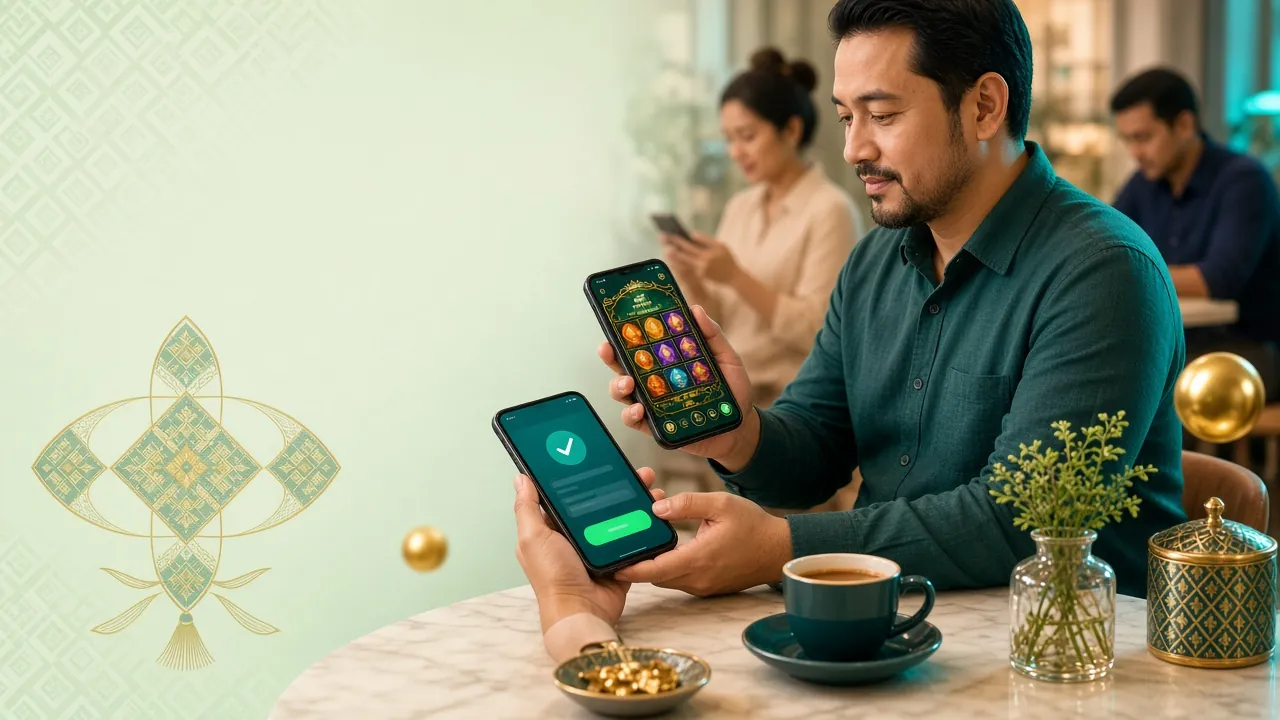
2,100 games on one screen
The full catalogue ships with the app: slots, live tables, fishing arcades and number draws. Filters sort by provider, so you can jump straight to PG Soft or JILI instead of scrolling the whole wall.
Live dealers in Ringgit
European Roulette runs from RM0.10 to RM100 a spin at 97.3%, and Single Deck Blackjack takes RM1 to RM500 a hand at 96.8%. Video streams are the same ones the browser serves, and bets settle on the same balance.
Return shown before you spin
Each tile carries the published RTP, so you can compare Insect Master at 97.7% with Space Max at 95.4% before spending anything. Bet limits sit on the same screen, from RM0.10 on most reels up to RM2,500.
Fishing arcades built for the small screen
Jackpot Fishing and Dragon Fishing 2 work well one-handed: aim, fire and watch the multiplier land. Stakes start at RM1 and reach RM1,000, with returns of 95.1% and 96.3%. Good for short sessions on a phone.
Cashier that never leaves the app
Deposits from RM5 clear in about 3 minutes using Touch ’n Go eWallet, DuitNow, FPX Online Banking or bank transfer. Withdrawals from RM150 land in roughly 10 minutes, capped at RM1,000 a day on the entry tier.
Bonus and tiers readable in-app
The 240% welcome offer up to RM775, 24× wagering, 0.7% daily cashback and every level of the VIP programme are laid out in plain tables. Your tier moves up as turnover posts, and withdrawal limits move with it.
Two titles worth opening first
 Slots
Leprechaun Riches
Ezugi · RTP 97.6% · RM0.10 to RM1,000
 Slots
Fortune Dragon
Evolution · RTP 96.2% · RM0.10 to RM2,500
Live tables and card games sit in the same app; the casino section lists the dealer rooms by stake, and the login page is where you go if the app signs you out after a long break.
When the installer fails: five cases and fixes
Nearly every failed install on Android comes down to one of these five. Match the message on your screen to the row.
| Message or symptom | Why it happens | What to do |
|---|---|---|
| App not installed | An older build signed differently is still on the phone, or storage is full | Uninstall the old version, free some space, then install the fresh 28 MB file again. Your account and balance stay on the server. |
| Parse error, file cannot be opened | The download stopped early or the browser saved a partial file | Delete the broken file, switch to Wi-Fi and download again. Check the size reads 28 MB before tapping install. |
| Blocked by Play Protect | Standard warning for any APK that came from outside Play | Tap More details, then Install anyway. Only do this for a file you just took from our download link. |
| Unknown-source switch is greyed out | The browser you used is not the one being allowed, or a work profile blocks it | Allow the exact browser or Files app, or open the APK from Files instead. On a managed work phone, use the browser version. |
| App opens then closes, lobby stays blank | Android below 10.0, or an outdated WebView | Check Settings, About phone for the Android version, update Chrome and System WebView, clear the app cache, and fall back to the mobile site. |
If none of the five matches, describe the exact message in 24/7 live chat and say which phone model and Android version you have. Screenshots cut the back and forth in half.
App questions players send to live chat
Short answers to the seven things asked most often after a first install.
Is the happyhappyok APK safe to install?
Why is the app not listed on Google Play?
How do I update happyhappyok when a new version is out?
Can I use the app on an iPhone?
Will installing the app remove my account or balance?
How much phone storage does it need?
Do I need to deposit before I can open games in the app?
Ready when you are. Grab the 28 MB file above, create an account if you are new, then sign in on the phone. Existing players can go straight to the happyhappyok login page and skip the setup entirely.